Mastering Python in 7 Days: A Complete Roadmap for Beginners
Maigie Team
Developer Education
Your first week with Python can set the direction for your entire programming career. This roadmap doesn't promise you'll become a senior developer in 168 hours, but it will give you a solid, structured foundation that most self-taught learners take months to build without a plan.
Whether you're switching careers, prepping for a CS course, or just curious about coding, this guide breaks Python down into seven focused days, each building on the last.
Why Python? (And Why 7 Days Works)
Python consistently tops language rankings for a reason:
- Readable syntax: closest to writing in plain English
- Massive ecosystem: web, data science, AI, automation, scripting
- Beginner-friendly: fewer boilerplate lines than Java, C++, or JavaScript
- In-demand: among the top 3 most requested skills in tech job postings
A 7-day sprint works because Python's basics are learnable in short, focused sessions. You're not memorizing, you're building muscle memory through daily practice.
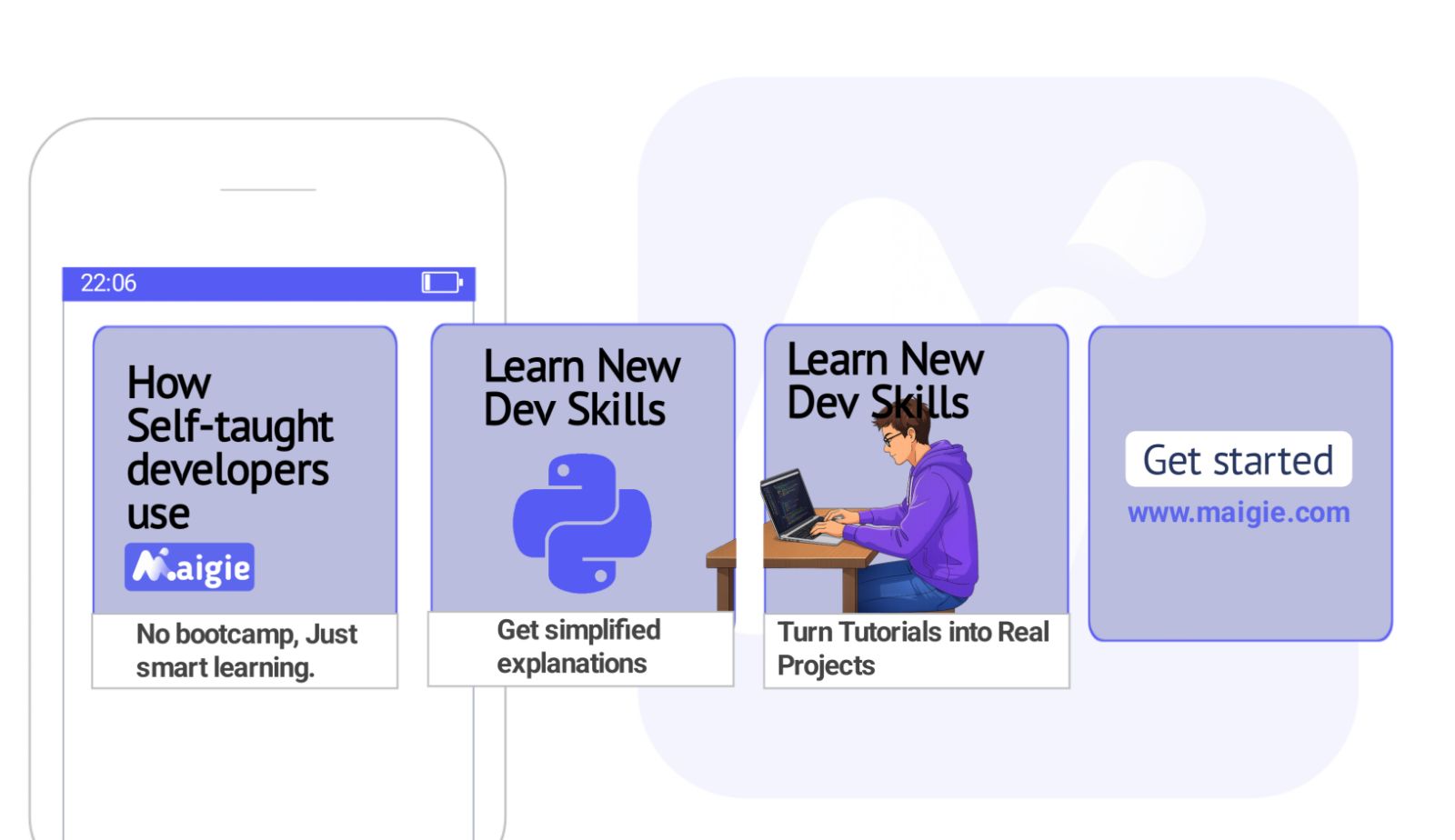
Pro tip: Pair this roadmap with Maigie to auto-generate a structured Python course, track your progress, and use spaced repetition to retain what you learn.
Before You Start: Setup (30 Minutes)
Get these ready before Day 1:
| Tool | Purpose | Link |
|---|---|---|
| Python 3.12+ | The language itself | python.org/downloads |
| VS Code | Code editor | code.visualstudio.com |
| Python extension | Syntax highlighting, linting | Install from VS Code marketplace |
| Terminal | Running scripts | Built into VS Code or your OS |
Verify your install:
python --version
# Expected: Python 3.12.x or higher
Day 1: Variables, Data Types, and Basic I/O
Goal: Understand how Python stores and manipulates data.
What to Learn
- Variables and assignment (
x = 10) - Data types:
int,float,str,bool - Type conversion:
int(),str(),float() - Input/output:
input()andprint() - String formatting: f-strings (
f"Hello {name}") - Basic arithmetic operators
Practice Project
Build a unit converter that asks the user for a temperature in Celsius and convert it to Fahrenheit:
celsius = float(input("Enter temperature in Celsius: "))
fahrenheit = (celsius * 9/5) + 32
print(f"{celsius}°C = {fahrenheit}°F")
Key Takeaway
Everything in Python is an object. Even simple numbers have methods. Understanding types early prevents confusing bugs later.
Day 2: Control Flow, Conditionals and Loops
Goal: Make your programs make decisions and repeat actions.
What to Learn
if,elif,elsestatements- Comparison operators:
==,!=,>,<,>=,<= - Logical operators:
and,or,not forloops (includingrange())whileloopsbreak,continue, andpass
Practice Project
Build a number guessing game:
import random

secret = random.randint(1, 100)
attempts = 0

while True:
    guess = int(input("Guess the number (1-100): "))
    attempts += 1
    if guess < secret:
        print("Too low!")
    elif guess > secret:
        print("Too high!")
    else:
        print(f"Correct! You got it in {attempts} attempts.")
        break
Key Takeaway
Loops and conditionals are the backbone of every program. Once these feel natural, you can solve most beginner-level problems.
Day 3: Data Structures: Lists, Tuples, Dictionaries, Sets
Goal: Learn how to organize and access collections of data.
What to Learn
| Structure | Mutable | Ordered | Use case |
|---|---|---|---|
| List | ✅ | ✅ | General-purpose sequences |
| Tuple | ❌ | ✅ | Fixed data, dictionary keys |
| Dictionary | ✅ | ✅ (3.7+) | Key-value lookups |
| Set | ✅ | ❌ | Unique items, membership tests |
- List methods:
append(),pop(),sort(), slicing - Dictionary methods:
get(),keys(),values(),items() - List comprehensions:
[x**2 for x in range(10)] - Nested data structures
Practice Project
Build a contact book:
contacts = {}

while True:
    action = input("Add / Search / Delete / Quit: ").lower()
    if action == "add":
        name = input("Name: ")
        phone = input("Phone: ")
        contacts[name] = phone
        print(f"Added {name}.")
    elif action == "search":
        name = input("Name: ")
        print(contacts.get(name, "Not found."))
    elif action == "delete":
        name = input("Name: ")
        if contacts.pop(name, None):
            print(f"Deleted {name}.")
        else:
            print("Not found.")
    elif action == "quit":
        break
Day 4: Functions and Modules
Goal: Write reusable code and organize it into modules.
What to Learn
- Defining functions with
def - Parameters, default values, and return values
*argsand**kwargs- Scope: local vs global variables
- Importing modules:
import,from ... import - Creating your own modules (separate
.pyfiles) - The
if __name__ == "__main__"pattern
Practice Project
Build a password generator module:
# password_generator.py
import random
import string

def generate_password(length=12, use_special=True):
    chars = string.ascii_letters + string.digits
    if use_special:
        chars += string.punctuation
    return ''.join(random.choice(chars) for _ in range(length))

if __name__ == "__main__":
    print(generate_password(16))
Day 5: File Handling and Error Management
Goal: Read from and write to files, and handle errors gracefully.
What to Learn
- Opening files:
open()with'r','w','a'modes - The
withstatement (context managers) - Reading:
read(),readline(),readlines() - Working with CSV files (
csvmodule) - Working with JSON (
jsonmodule) try,except,finally, andraise- Common exceptions:
ValueError,FileNotFoundError,KeyError
Practice Project
Build a personal expense tracker that saves to a JSON file:
import json
from datetime import date

FILENAME = "expenses.json"

def load_expenses():
    try:
        with open(FILENAME, "r") as f:
            return json.load(f)
    except FileNotFoundError:
        return []

def save_expenses(expenses):
    with open(FILENAME, "w") as f:
        json.dump(expenses, f, indent=2)

def add_expense():
    amount = float(input("Amount: "))
    category = input("Category: ")
    expenses = load_expenses()
    expenses.append({
        "amount": amount,
        "category": category,
        "date": str(date.today())
    })
    save_expenses(expenses)
    print("Expense saved!")

add_expense()
Day 6: Object-Oriented Programming (OOP)
Goal: Understand classes, objects, inheritance, and encapsulation.
What to Learn
- Classes and objects
- The
__init__constructor - Instance methods and attributes
selfkeyword- Inheritance and
super() - Magic methods:
__str__,__repr__,__len__
Practice Project
Build a library management system:
class Book:
    def __init__(self, title, author, isbn):
        self.title = title
        self.author = author
        self.isbn = isbn
        self.is_available = True

    def __str__(self):
        status = "Available" if self.is_available else "Checked out"
        return f"{self.title} by {self.author} [{status}]"

class Library:
    def __init__(self):
        self.books = []

    def add_book(self, book):
        self.books.append(book)

    def search(self, query):
        return [b for b in self.books
                if query.lower() in b.title.lower()
                or query.lower() in b.author.lower()]
Day 7: Libraries, APIs, and Your Capstone Project
Goal: Use external libraries and build something you can show off.
Key Libraries for Beginners
| Library | Purpose |
|---|---|
requests | HTTP requests and APIs |
beautifulsoup4 | Web scraping |
pandas | Data analysis |
matplotlib | Data visualization |
flask | Simple web apps |
Capstone Project: Weather Dashboard CLI
import requests
import json

API_KEY = "your_api_key"  # Get free key from openweathermap.org
BASE_URL = "https://api.openweathermap.org/data/2.5/weather"

def get_weather(city):
    params = {"q": city, "appid": API_KEY, "units": "metric"}
    try:
        response = requests.get(BASE_URL, params=params)
        response.raise_for_status()
        data = response.json()
        return {
            "city": data["name"],
            "temp": data["main"]["temp"],
            "description": data["weather"][0]["description"],
            "humidity": data["main"]["humidity"],
        }
    except requests.exceptions.RequestException as e:
        return {"error": str(e)}

city = input("Enter city: ")
weather = get_weather(city)
if "error" not in weather:
    print(f"\n{weather['city']}: {weather['temp']}°C, {weather['description']}")
    print(f"Humidity: {weather['humidity']}%")
Summary: Your 7-Day Roadmap
| Day | Topic | Key Project |
|---|---|---|
| 1 | Variables, types, I/O | Unit converter |
| 2 | Conditionals, loops | Number guessing game |
| 3 | Lists, dicts, sets | Contact book |
| 4 | Functions, modules | Password generator |
| 5 | Files, error handling | Expense tracker |
| 6 | OOP | Library manager |
| 7 | Libraries, APIs, capstone | Weather dashboard |
Python is one of the few languages where a week of focused effort gives you real, usable skills. The roadmap above isn't theory. It's a practical path to writing code that actually does things.
Ready to start? Create a free Python course on Maigie and let AI structure your learning, track your progress, and keep you on schedule.